Email discovery
Find SaaS accounts from signup and welcome emails, including the email and password signups that SSO and the browser extension miss.
Most SaaS products send a welcome email when someone signs up. Email discovery reads the sender and subject of those messages across your workspace's mailboxes and turns them into Shadow IT entries. It has the broadest coverage of all sources, because it finds accounts no matter how the person signed in.
Lutril reads the sender and the subject only, never message bodies.
Before you start
- Google Workspace or Microsoft is connected as an identity provider in Settings > Integrations.
- That connection has admin consent for read-only mail access: domain-wide delegation for Google, Mail.Read for Microsoft. The Google Workspace and Microsoft Entra ID guides cover the consent.
- You are an owner or admin in Lutril.
Email discovery is in beta.
Turn it on
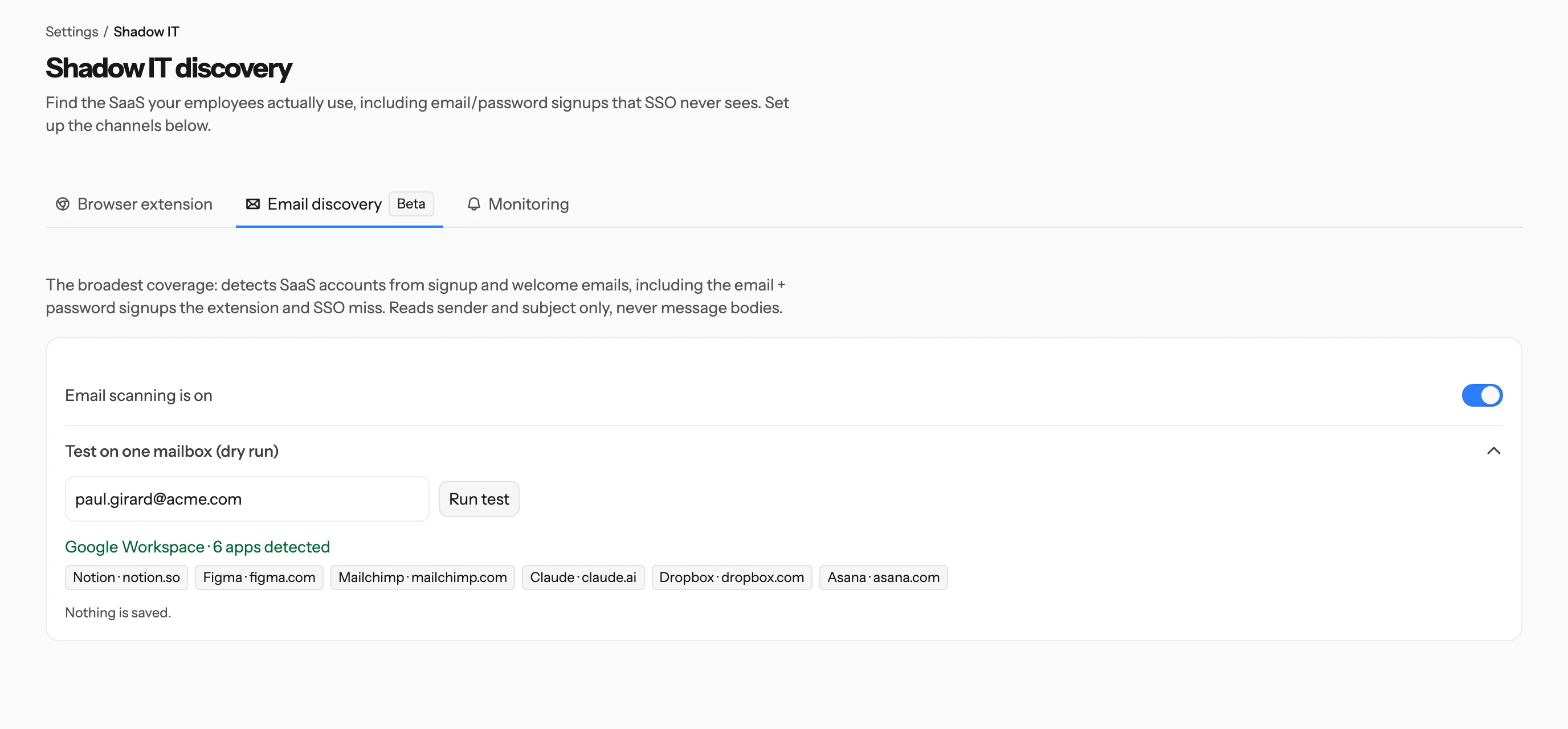
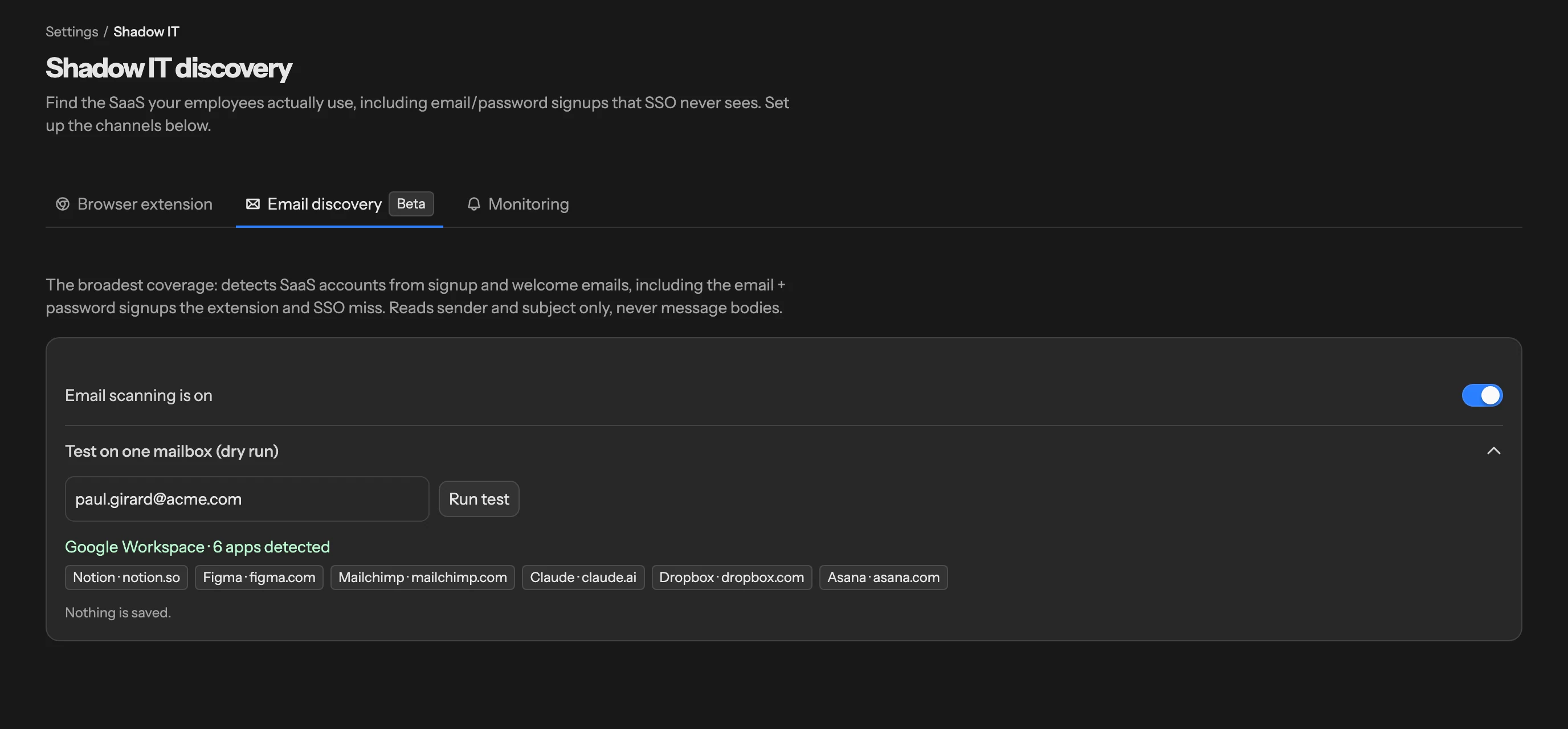
On the Shadow IT discovery page (account menu at the bottom of the sidebar), open the Email discovery tab and switch scanning on. The label beside the switch reads Email scanning is on.
If the switch is greyed out, connect Google Workspace or Microsoft as an identity provider first.
Test on one mailbox
Expand Test on one mailbox (dry run), type an employee's address, and click Run test. Lutril checks the mail permission and the classifier on that one mailbox and lists the apps it would detect. Nothing is saved.
What happens next
Email discovery runs once a day. Apps it finds carry the Email badge in Shadow IT, next to any other source that found them. Like apps found by the browser extension, they hold no OAuth grant, so they count as low risk and there is nothing to revoke: approve or block them, or ask the user where Lutril knows who introduced the app.