AI agents in source code
Find the AI agents your developers build in GitHub and GitLab repositories, see what each one can do, and give it an owner.
Teams ship AI agents the way they ship scripts: a LangGraph graph in a support tool, an OpenAI Agents SDK loop in a finance job, a Claude Agent SDK reviewer in CI. Lutril scans your repositories for them, so each one shows up as a non-human identity with a suggested owner, the capabilities it declares and a risk score, before it shows up in an incident.
Before you start
- You need the Owner or Admin role.
- Connect a source from the GitHub or GitLab card in Settings > Integrations: a GitHub organization with a fine-grained token limited to read access on contents and metadata, or a GitLab group token with
read_apiandread_repository. Tokens with write or admin scopes are refused.
How the scan works
Lutril reads the default branch of every repository the token can see. Python, JavaScript and TypeScript files get a deep analysis of agent framework usage; other languages contribute configuration and dependency signals. No code is sent to a language model, and no source code is stored: Lutril keeps the finding (the file, the symbol, the capabilities) and the commit it was seen at.
Review candidates
Open Security > Non-Human Identities and select the AI agents tab. The badge counts open Shadow agents: agents nobody has reviewed.
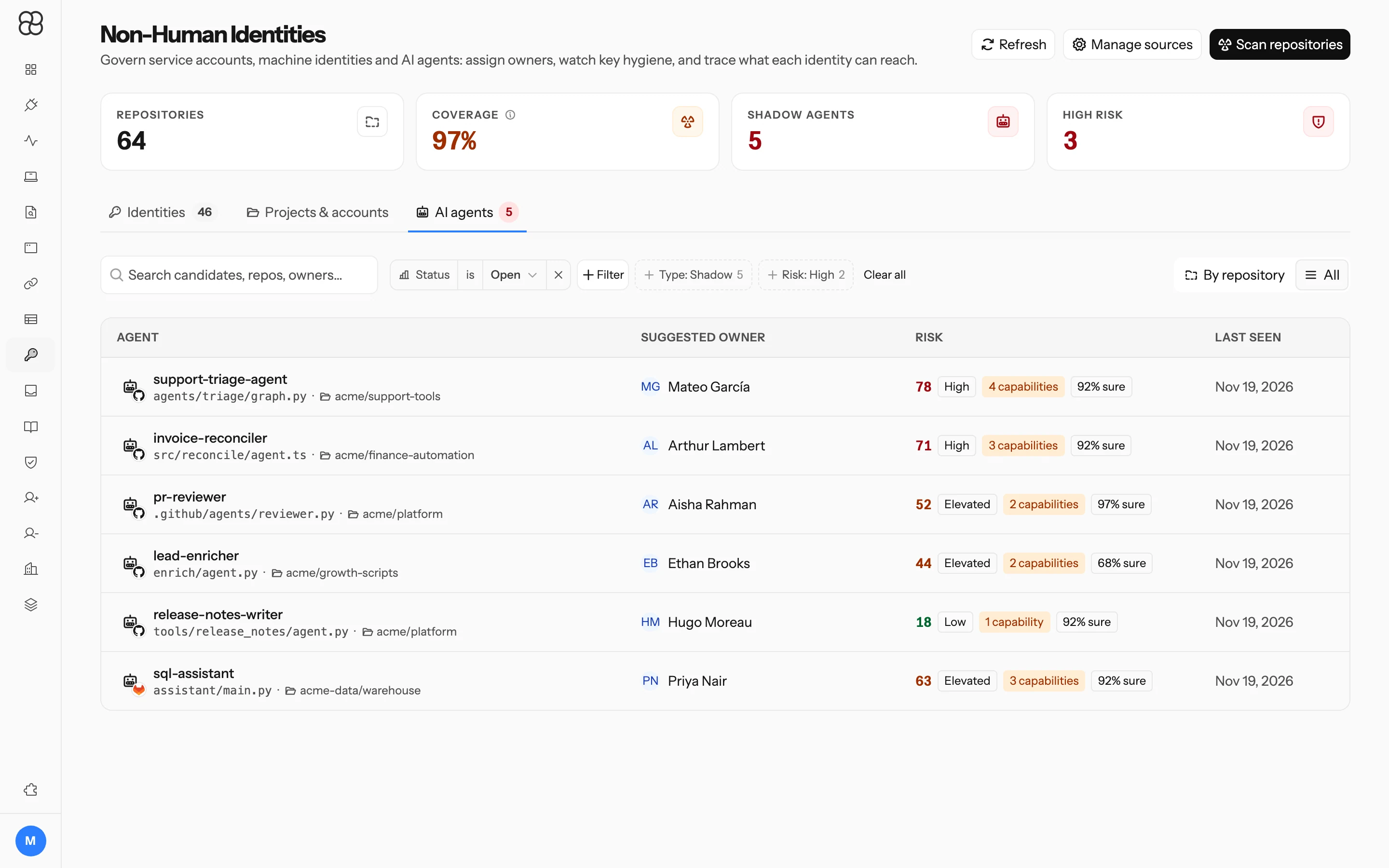
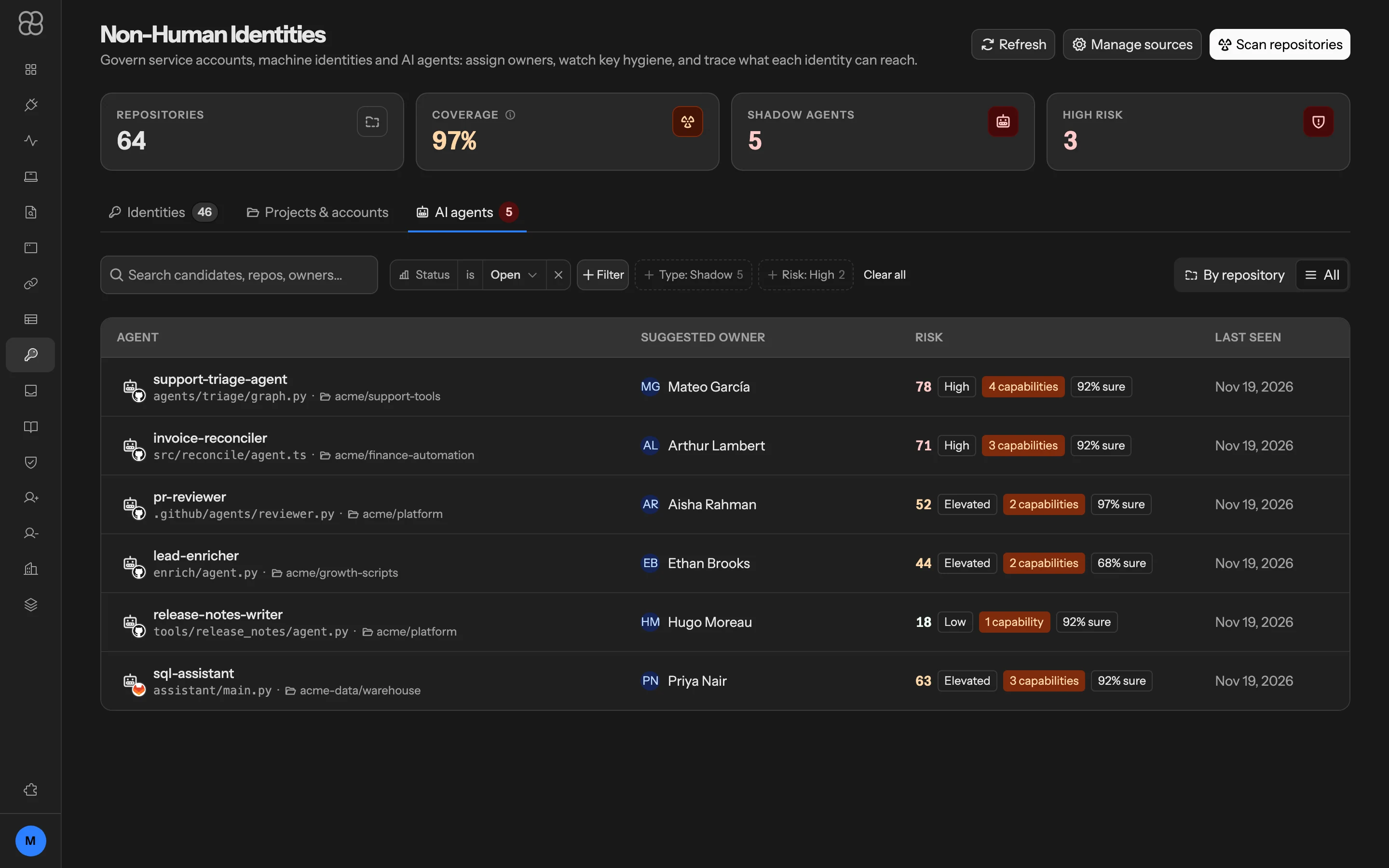
The cards show how many Repositories were scanned, the Coverage (hover it to see which were partial and why), the open Shadow agents and the High risk ones. The list defaults to open candidates, grouped By repository; switch to All for a flat list.
| Column | What it shows |
|---|---|
| Agent | The agent's name, its entry point file and its repository. |
| Suggested owner | The recent commit authors of the entry point, matched against your directory. An author Lutril could not match is marked (git). It is a suggestion, never an assignment. |
| Risk | A score, the number of capabilities it declares (tools it can call, such as sending email or writing to a database), and how sure the scanner is that this is an agent. |
| Last seen | The last scan that still found it. |
Use Filter to narrow by status, type (Shadow, Suspected, Signal), provider and risk. Scan repositories at the top starts a scan now, and Manage sources opens the integrations where sources are connected.
Decide about a candidate
Click a candidate to open it. The page shows its Source (repository, entry point, symbol, the commits where it was first and last seen), the Declared risk from source, and its Review history. Then:
- Promote to registry creates a draft agent with a 90-day review date. No credential or MCP token is created.
- Link existing agent attaches the candidate to an agent already in the registry.
- Dismiss closes it with a required reason. A dismissal applies to this exact fingerprint: a material change to the agent's structure reopens it.
Non-human identities
Inventory the service accounts, IAM users and roles in Google Cloud and AWS, give each one an owner, and act on stale keys and excess privilege.
MCP gateway
Serve MCP servers to AI agents through Lutril, decide which tools they may run, refuse risky argument values, and cut off access in one click.