Non-human identities
Inventory the service accounts, IAM users and roles in Google Cloud and AWS, give each one an owner, and act on stale keys and excess privilege.
Service accounts and machine identities outnumber people in most clouds, and nobody offboards them. The Non-Human Identities page lists every one Lutril finds in your connected Google Cloud organization and AWS accounts, with its owner, its privileges, its keys and when it last authenticated.
Before you start
- Connect Google Cloud or AWS in Settings > Integrations. See Connect an app.
- For dormancy on Google Cloud, enable the Policy Analyzer API for the connected service account; the page tells you exactly what to grant when last-used data is missing.
The inventory
Open Security > Non-Human Identities. Click Sync now to ask the providers for a fresh inventory; a large organization takes a few minutes, and the list refreshes when it is done.
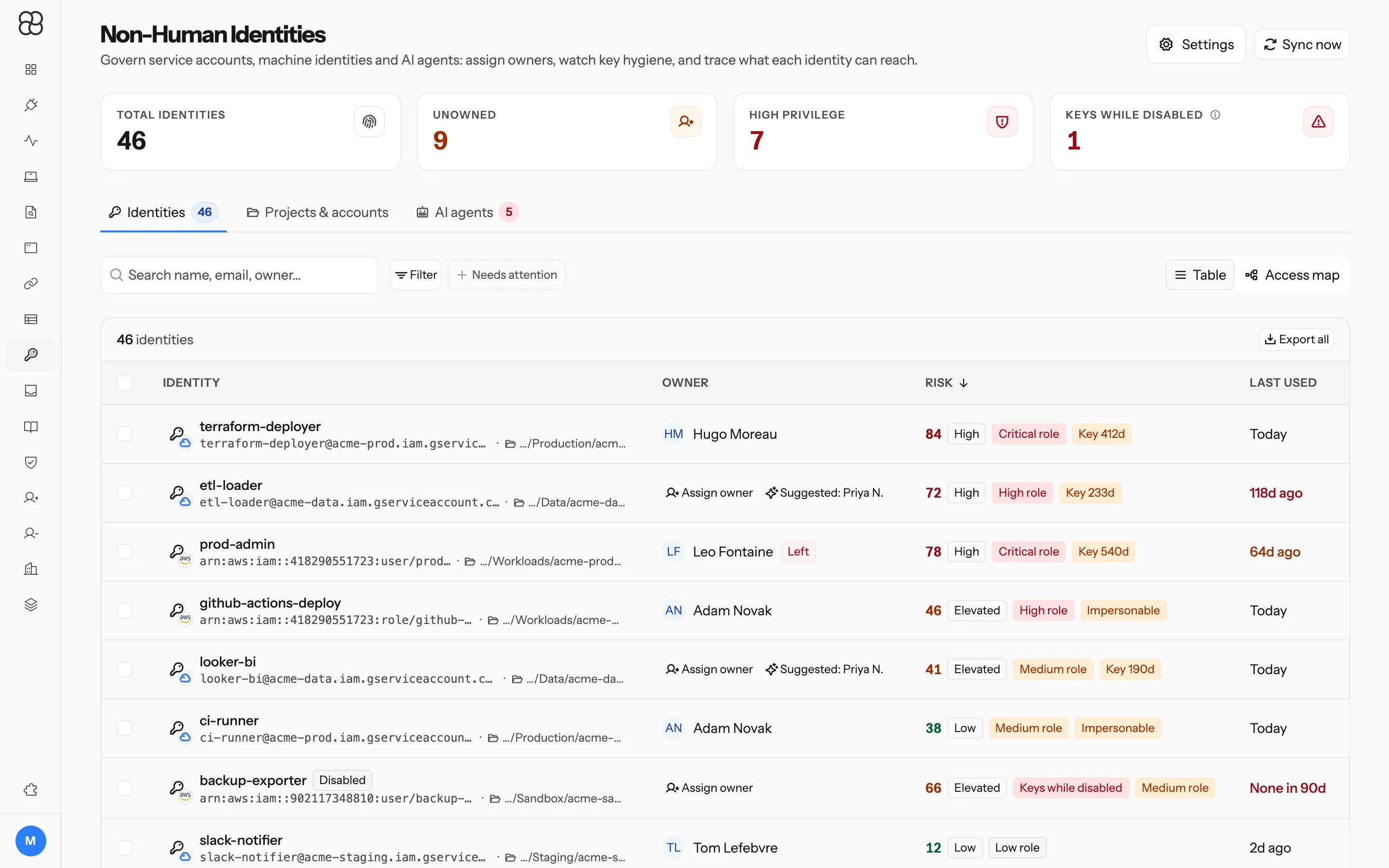
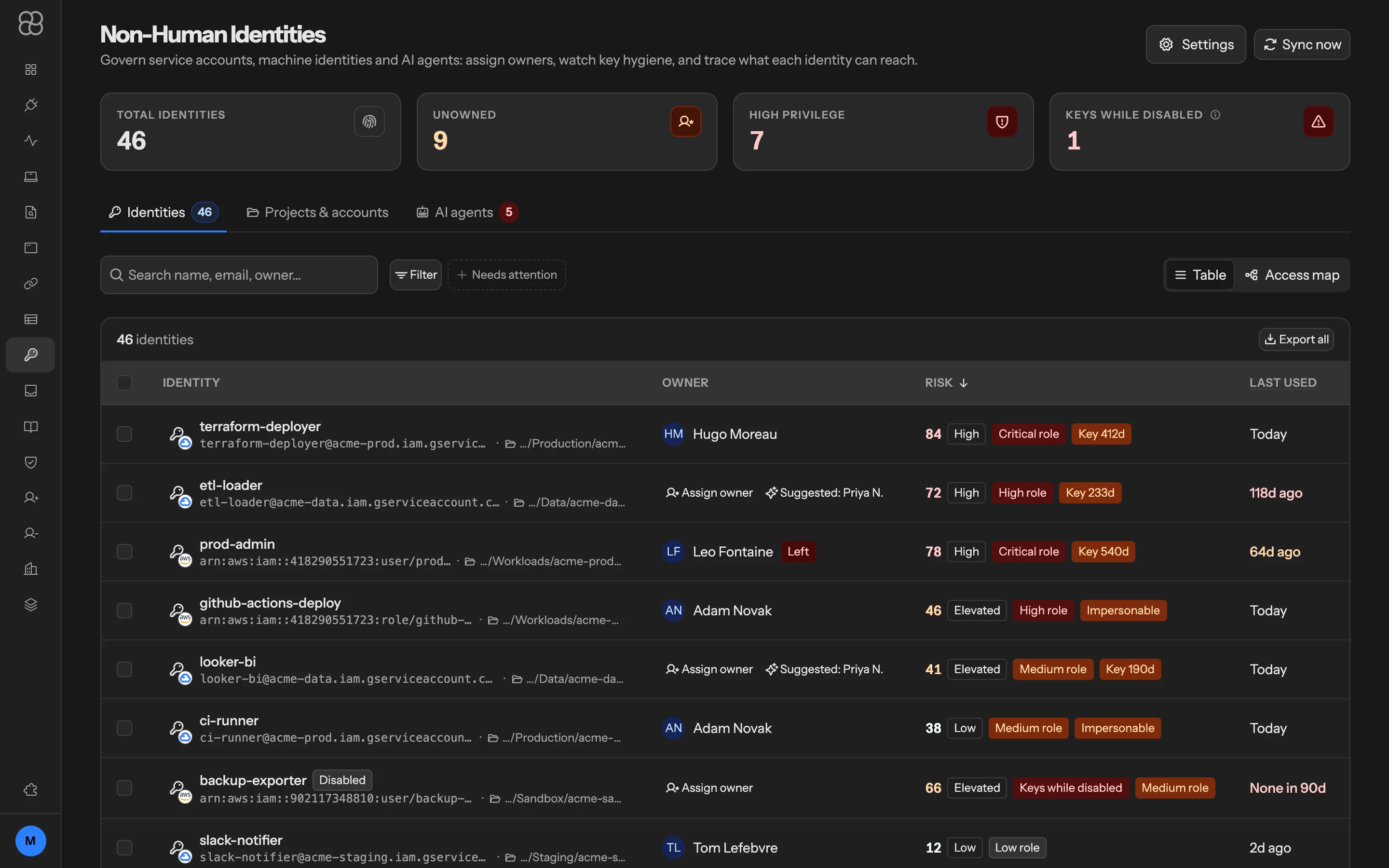
The cards count Total identities, Unowned, High privilege, and the most urgent anomaly right now (Keys while disabled, Owner left or Stale keys). Click a card to filter the table to it.
| Column | What it shows |
|---|---|
| Identity | The name, its address or ARN, and the project or account it lives in. |
| Owner | The accountable person. Left means they are no longer active in your directory. Provider-managed service agents need no owner. |
| Risk | A score out of 100 (High from 70, Elevated from 40) and the main reasons: a critical or high role, a key older than the stale threshold, impersonation, a default service account, keys on a disabled identity. |
| Last used | The last authentication the provider reports. None in 90d marks an identity with no activity at all. |
Filter narrows by provider, status, risk, access (High privilege, Stale key, Keys while disabled, Default service account, Impersonable), activity and ownership. Needs attention selects every finding that wants a human at once. Export all downloads the matching rows as CSV.
Switch to Access map at the right of the toolbar to see owners and impersonators, the identities they can act as, and the projects those identities reach.
Assign owners
Every identity needs one accountable human. When Lutril has a good guess, the Owner cell offers it as Suggested: followed by the name: the owner or editor of its project, someone who can mint its tokens or act as it, or the person it is named after. Click the suggestion to accept it (a toast offers Undo), or Assign owner to pick someone else.
To clear a backlog, tick several rows and use the bar that appears: Accept N suggested owners applies each identity's own suggestion, Assign owner to one person for all of them, Export, or Disable.
Look at one identity
Click a row to open it. The header shows the owner, the risk score, last use and a summary of its keys. Change owner and Disable sit at the top right.
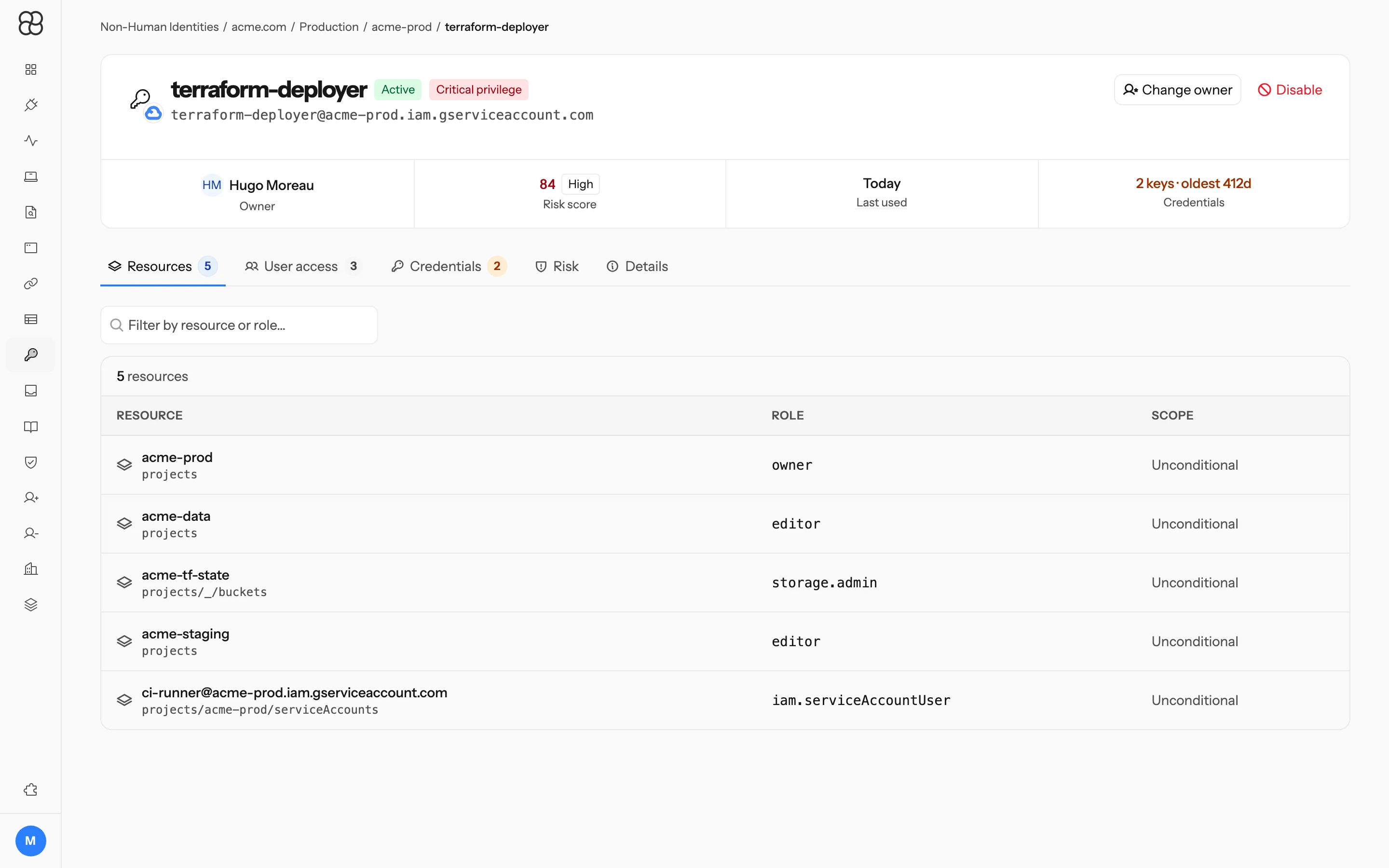
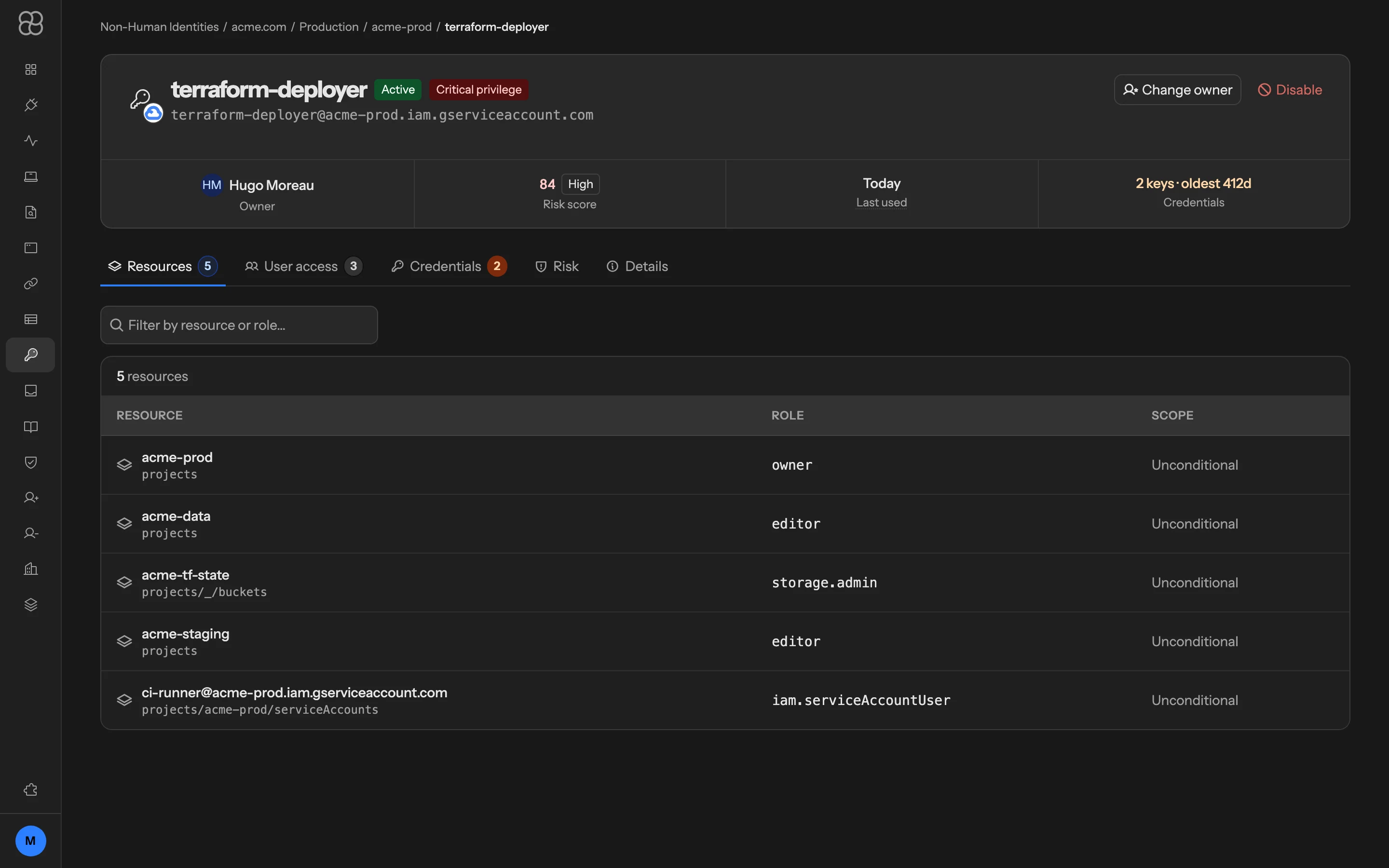
- Resources: every role binding, on which project, bucket or service account, and whether it is conditional.
- User access: the people and groups who can impersonate it (Token Creator or Service Account User on Google Cloud) or assume it (the trust policy of an AWS role).
- Credentials: its user-managed keys, their age and last use.
- Risk: Why this score, reason by reason.
- Details: the provider, type, external ID, and when it was first seen, last authenticated and last synced.
Disable turns the identity off at the provider, and it stops authenticating immediately. It is reversible from the provider console. Provider-managed service agents cannot be disabled from Lutril.
Projects and accounts
The Projects & accounts tab pivots the inventory by where identities live: for each Google Cloud project or AWS account, how many identities it holds, how many are privileged or unowned, and how many people have access to it. Open one to see its members, the outside principals with access, and to assign owners for the whole project at once.
AI agents
When a GitHub or GitLab source is connected, a third tab, AI agents, lists the agents found in your source code. See AI agents in source code.