Accounts and roles
What Lutril shows for a connected app after its first sync, and how to read orphans, high-privilege and inactive accounts.
Once an integration is connected, Lutril syncs the app's accounts and roles and compares every account with your identity provider. The result is the app's roster, the starting point for access reviews, offboarding and access requests.
Open it from Access Reviews by clicking the app.
The counters
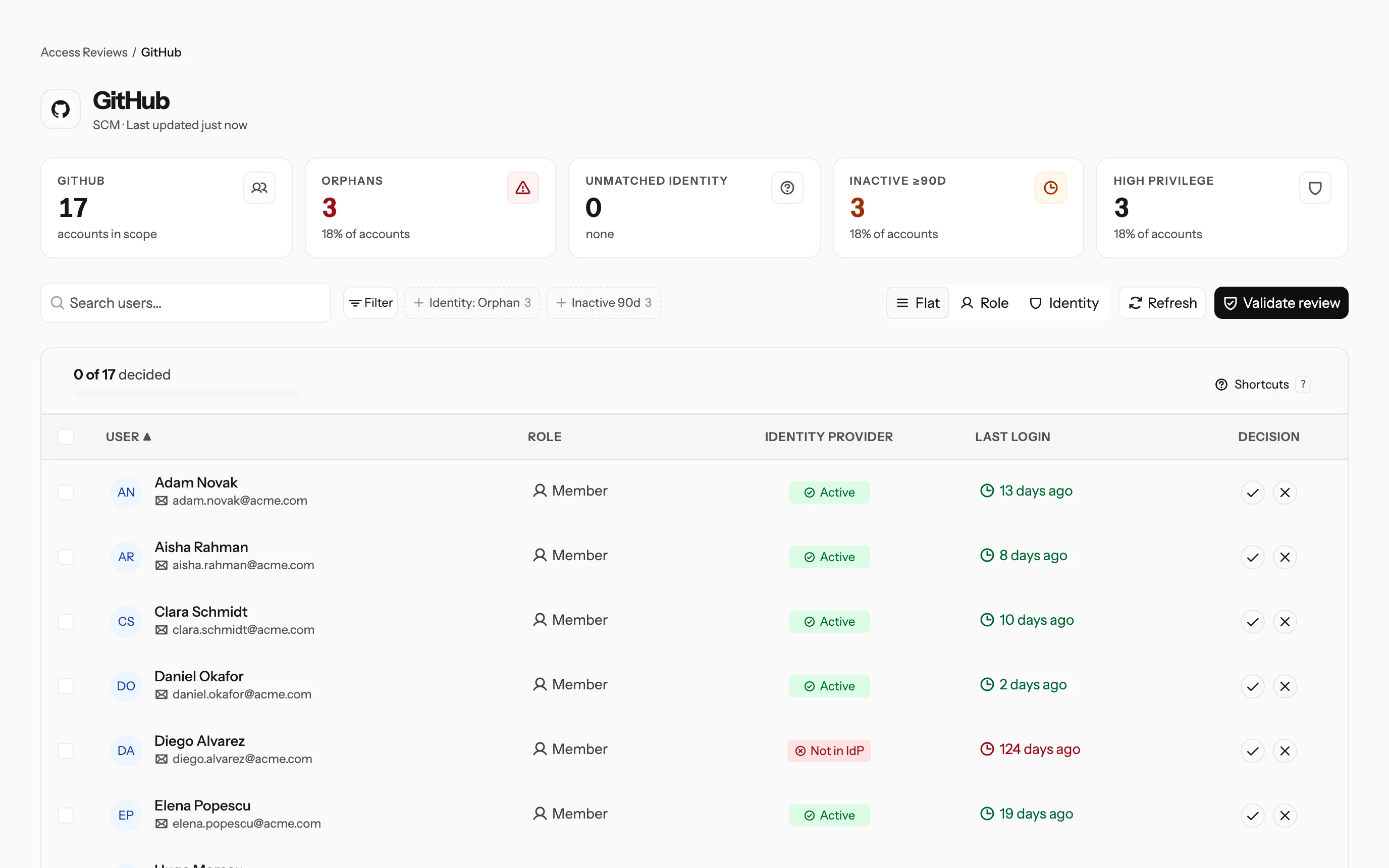
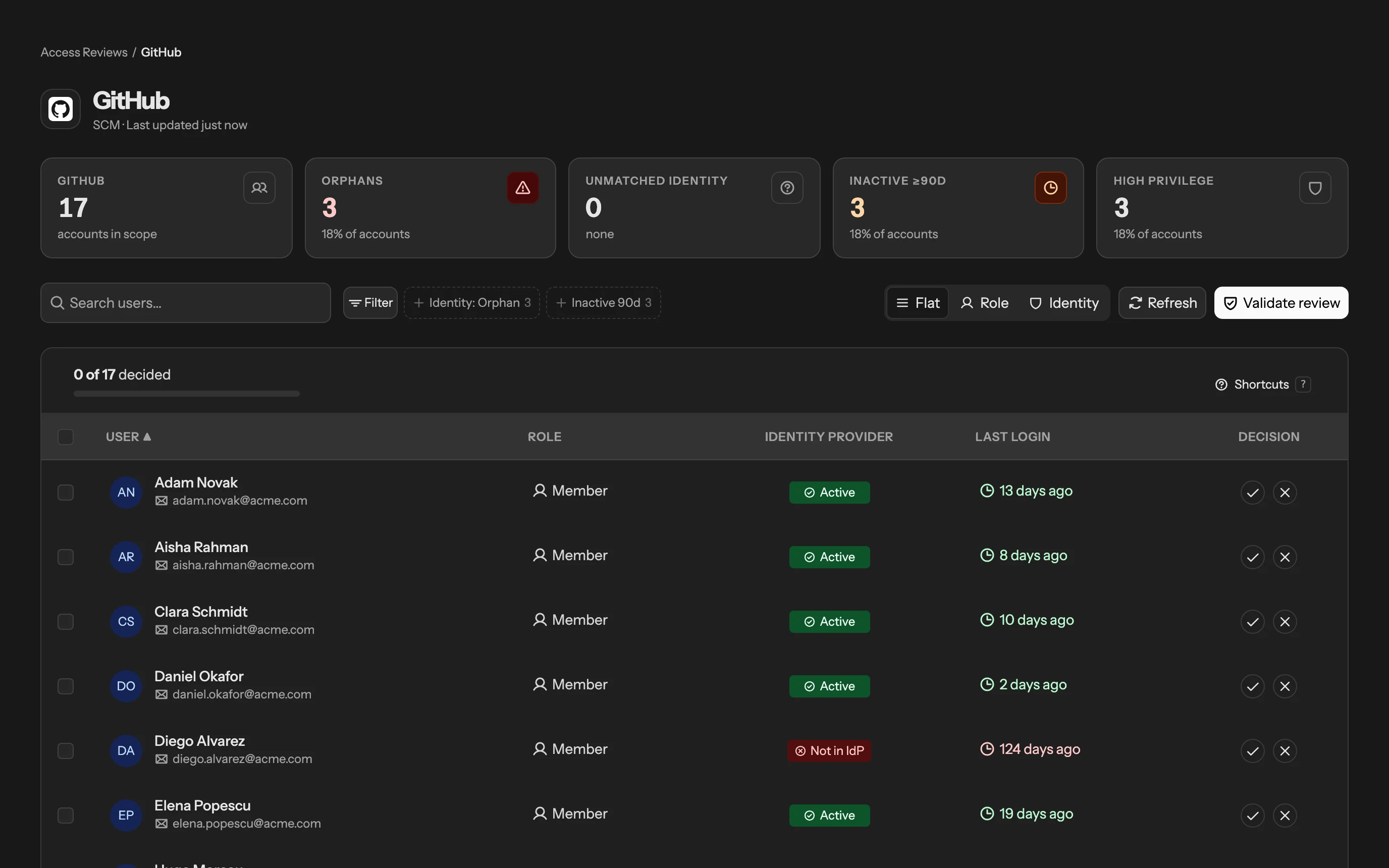
The tiles above the table count what the sync found. Only the counters that apply to the app appear.
| Counter | What it counts |
|---|---|
| Accounts in scope (the app's name) | Every account the vendor returned. |
| Orphans | Accounts whose email is not an active person in your identity provider, typically former employees. |
| Unmatched identity | Accounts Lutril could not tie to an email address, so it cannot say whether the person is still with you (GitHub and GitLab). |
| Inactive ≥90d | Accounts with no sign-in for 90 days or more, when the vendor reports last sign-in. |
| High privilege | Accounts holding an admin or owner role in the app. |
Some vendors add their own: Guests, Bots, MFA enabled, Disabled, or, for cloud providers, keys that are stale or still active on a disabled user.
The roster
Each row shows the person, the Role the vendor reports, whether the person is Active in your identity provider or Not in IdP, and the Last login. Use the filter chips to jump to orphans or inactive accounts, and Flat, Role or Identity to group the table.
The roster refreshes on every scheduled sync. Refresh fetches it now, and Scan all on the Integrations page does the same for every app.
Roles come from the vendor
The Role column shows the role names the vendor reports, for example Admin and Member in GitHub, so the roster reads like the app's own admin console.
From the roster to a decision
The Decision column on each row is where a reviewer keeps or removes an account, and Validate review records the result. When Remove accounts is on for the integration, Lutril removes the account in the app; otherwise it creates a task for the app's admin. Access reviews are covered in their own section.