Discovered apps
Read the Shadow IT inventory, filter it by risk, AI tools, scope changes and recent additions, and act on several apps at once.
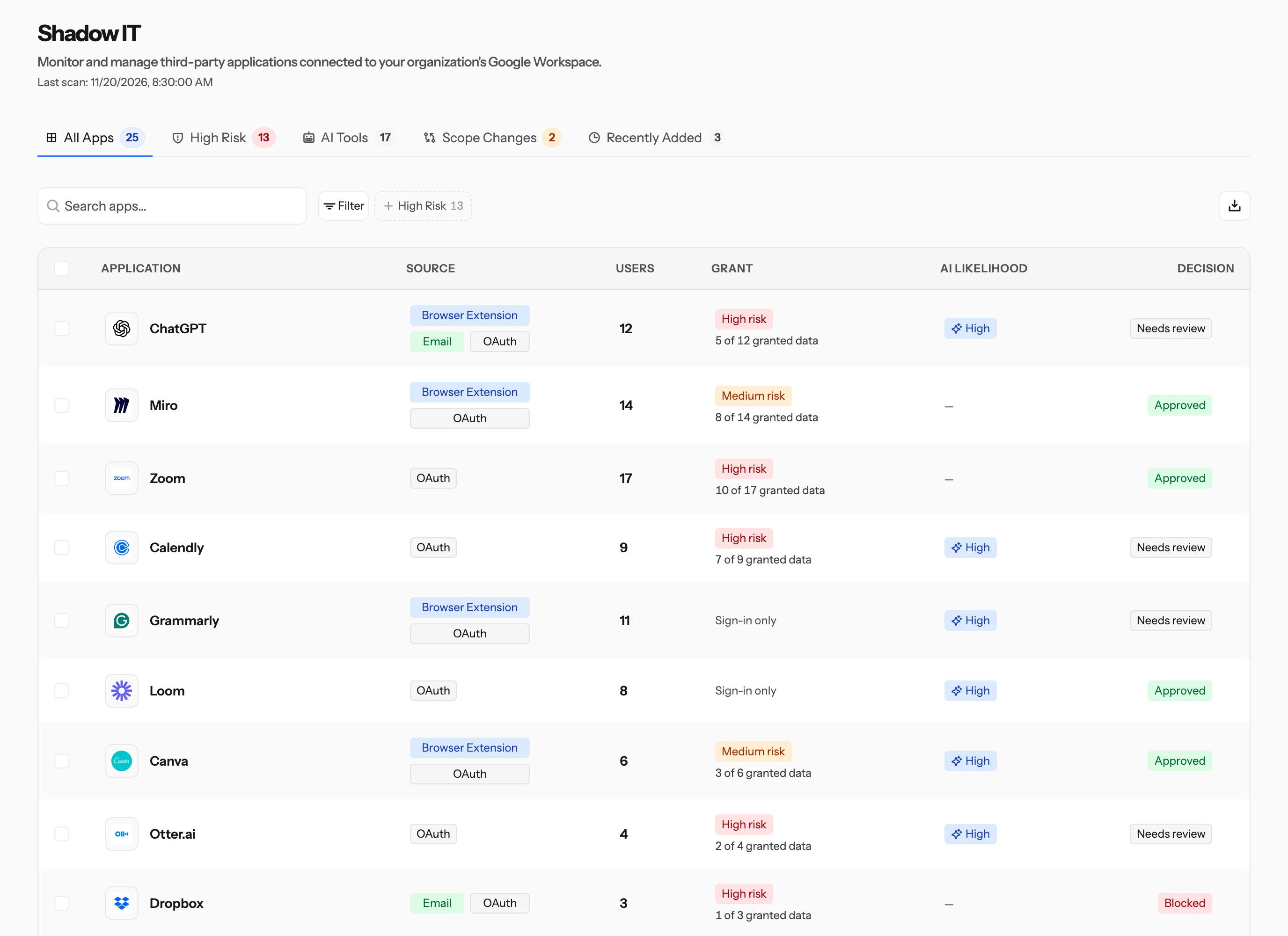
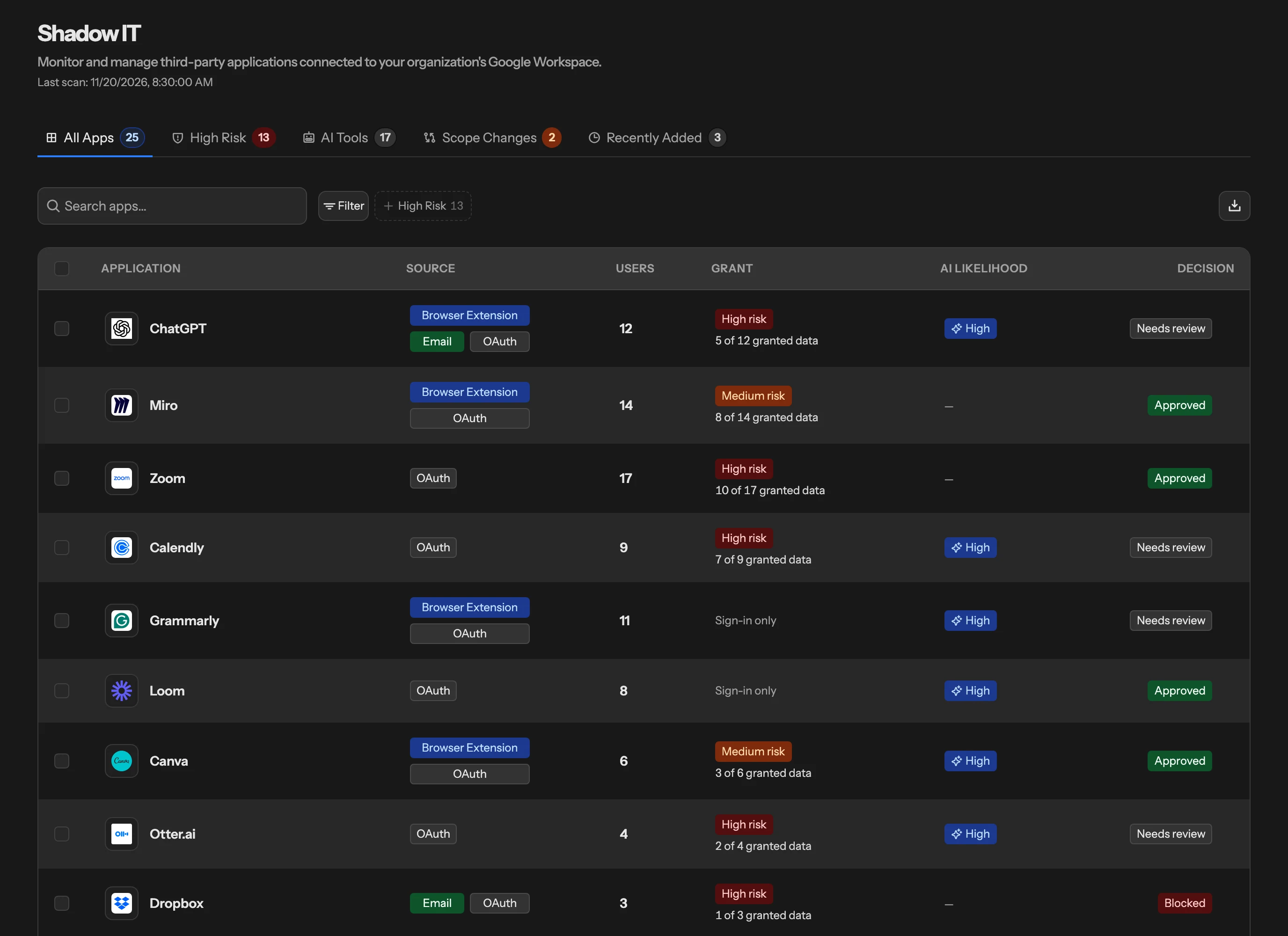
Shadow IT in the sidebar lists every third-party app Lutril has found across your discovery sources, one row per vendor.
The columns
| Column | What it shows |
|---|---|
| Application | The vendor. Click a row to open it. |
| Source | Which sources found it: OAuth, Browser Extension, Email. |
| Users | How many people use it across all sources. |
| Grant | The risk of the OAuth scopes it holds (High risk or Medium risk; low risk shows no tag) and how many people granted it access to data rather than a plain sign-in. Sign-in only means nobody gave it more than their identity. |
| AI Likelihood | How likely the app is an AI tool, from its name and scopes. |
| Decision | Needs review, Approved or Blocked. |
High risk means the app can reach mail, files, calendar, contacts or the directory. Medium risk means it can change data in an app.
The tabs
Each tab carries its count, so you can see at a glance where the work is.
- All Apps: the full inventory.
- High Risk: apps holding sensitive scopes.
- AI Tools: apps Lutril recognizes as AI tools.
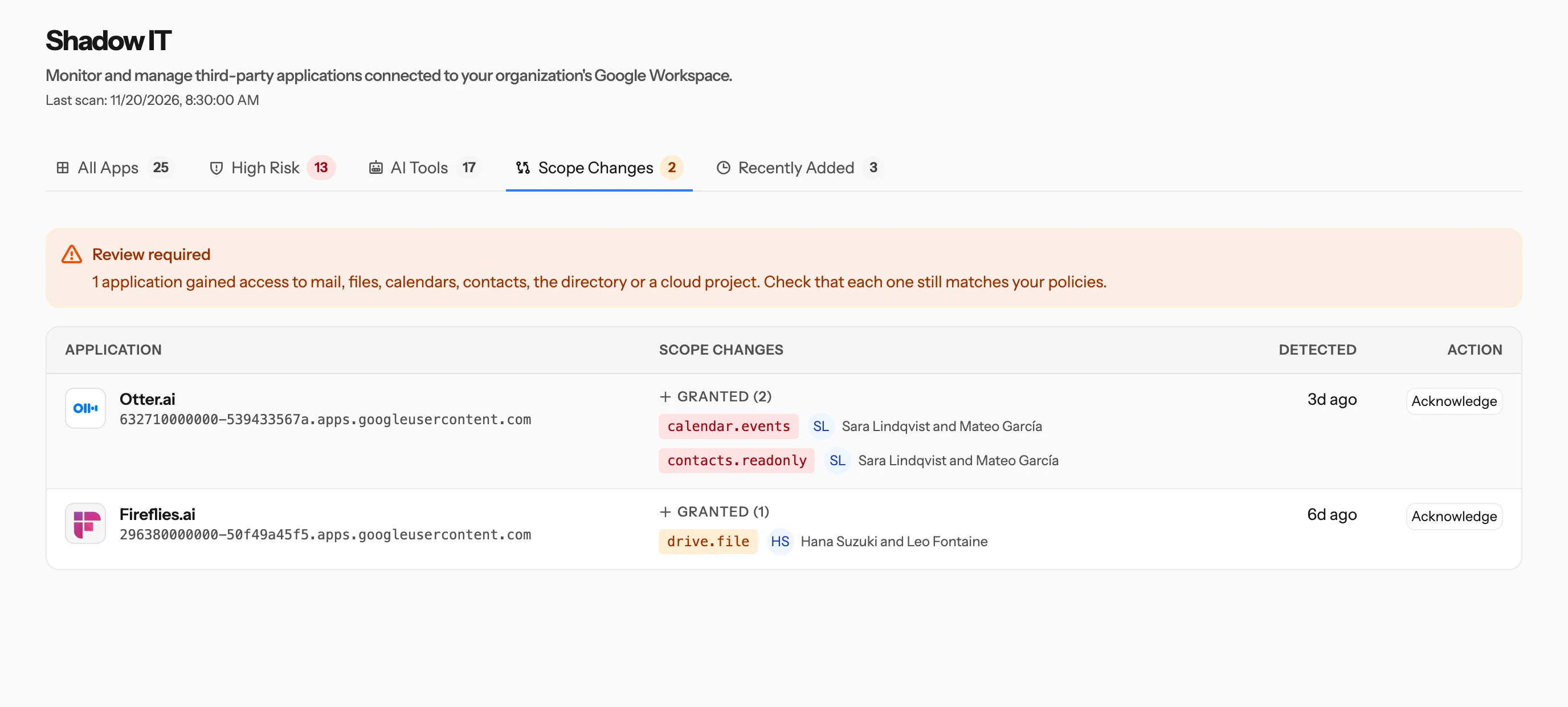
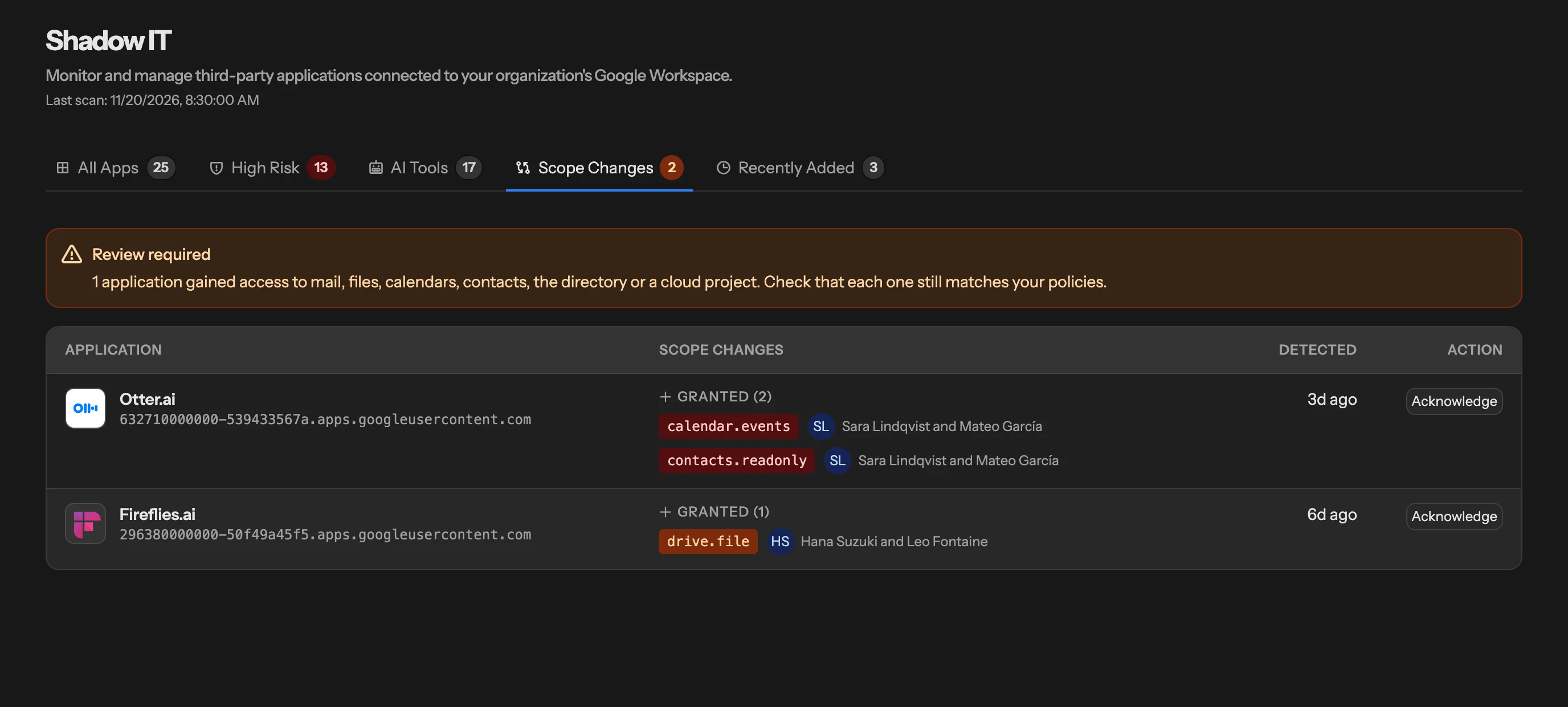
- Scope Changes: apps whose OAuth permissions changed since the last sync. Review the change, then click Acknowledge to clear it.
- Recently Added: apps first seen in the last seven days.
Search, filter and export
- Search apps matches the app name, its client ID, and the people who use it.
- Filter narrows by decision, risk, AI tools and source. Quick filters such as High Risk sit next to it.
- The download button exports the inventory.
Decide on several apps at once
Tick the rows you want, up to 50, and pick Needs review, Approved or Blocked in the bar at the bottom of the page. If some updates fail, the bar says how many and keeps them selected.
The inventory refreshes from Google and Microsoft once a day, and from the browser extension every 15 minutes. Last scan under the title gives the time of the latest sync.