New app alerts
Announce newly discovered apps in a Slack or Microsoft Teams channel, as a daily digest or as soon as they are found.
Instead of checking Shadow IT for new apps, have Lutril post them in a channel your IT or security team already watches. Alerts cover every discovery source: Google and Microsoft OAuth grants, the browser extension and email discovery. Each app is announced once, however many sources find it, and again only when it changes, for example when its risk goes up.
Before you start
- Slack or Microsoft Teams is connected in Settings > Integrations.
- You are an owner or admin in Lutril.
Alerts are set up on the Monitoring tab of the Shadow IT discovery page (account menu at the bottom of the sidebar).
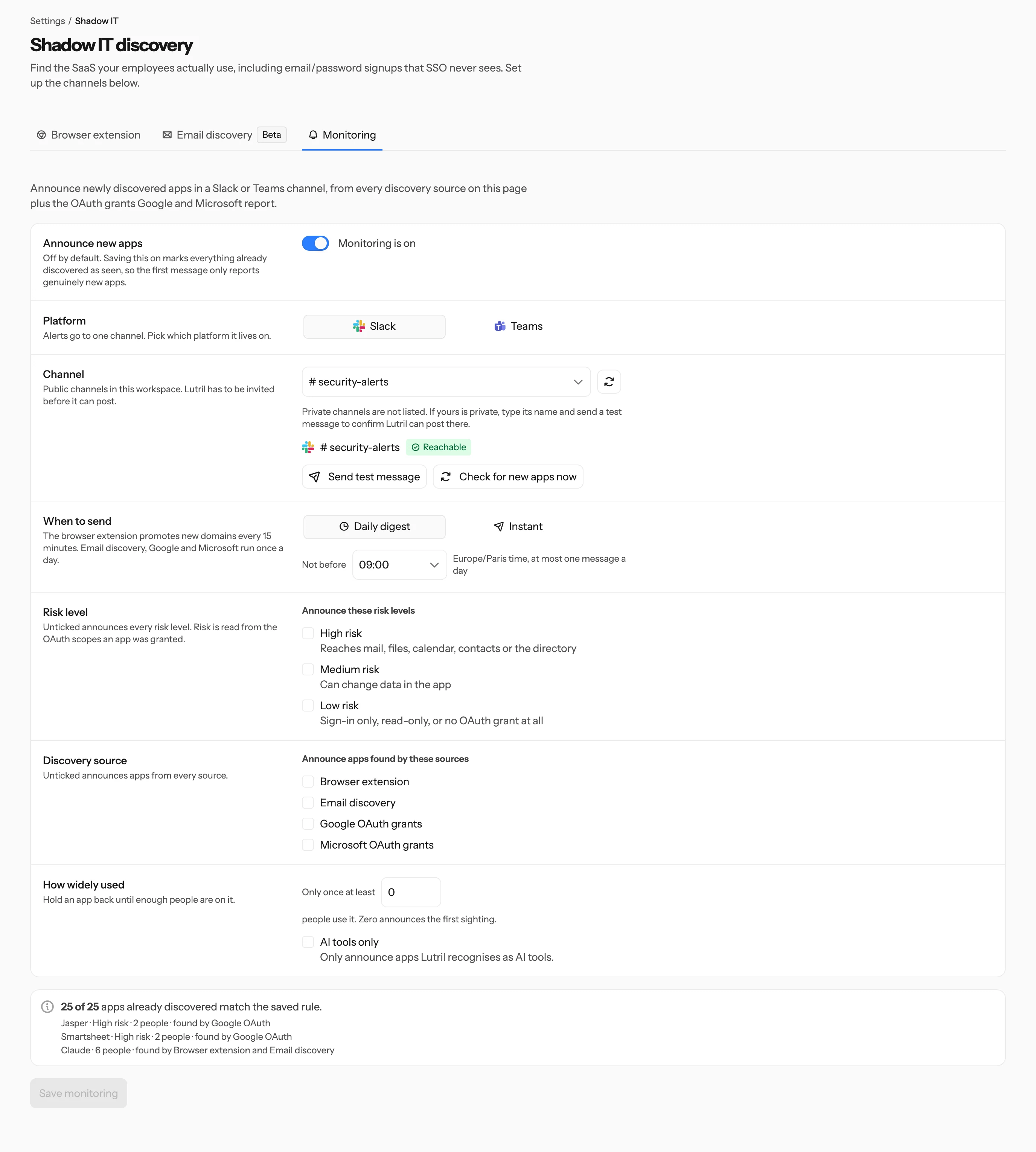
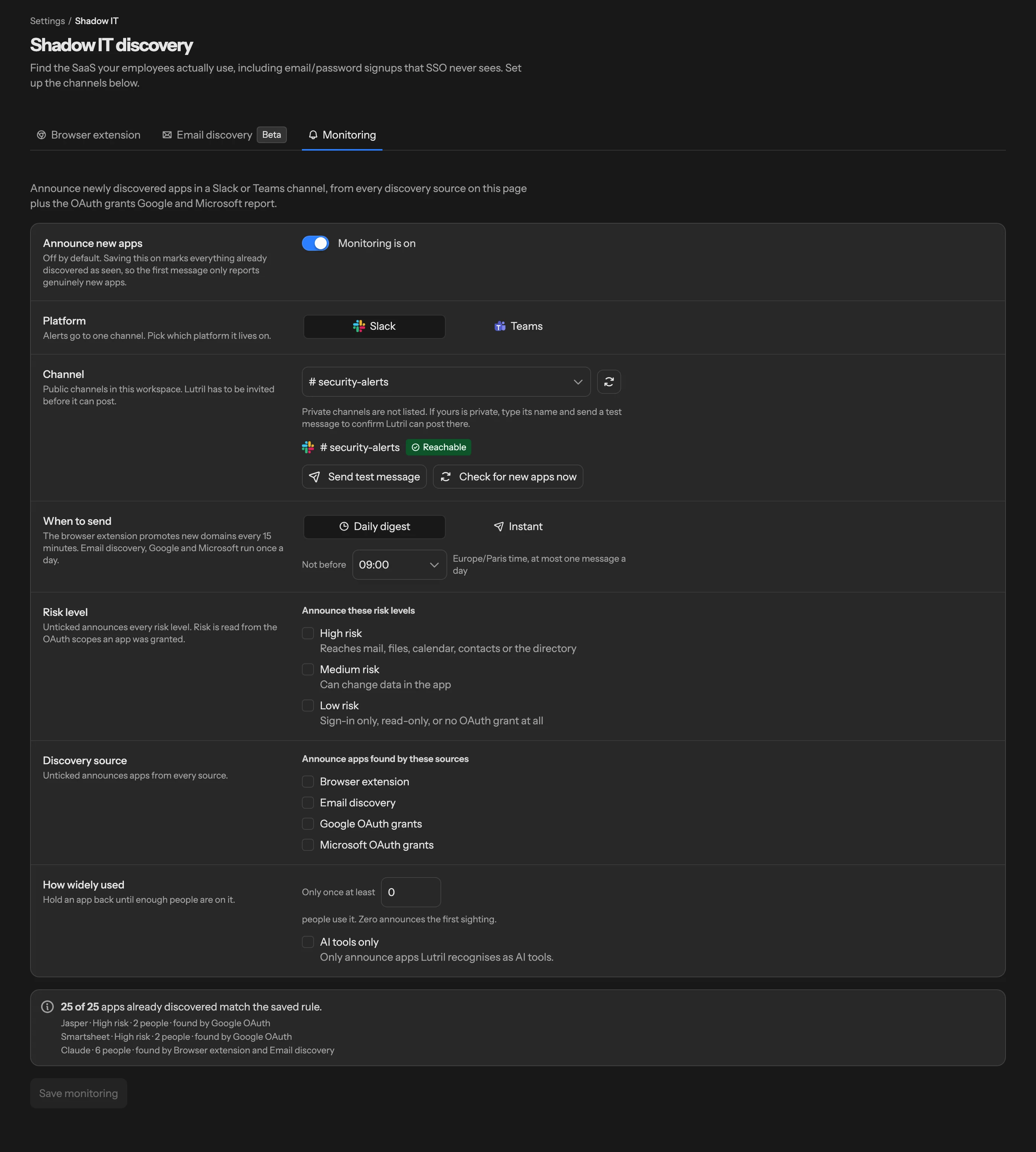
Turn it on and pick the channel
Switch Announce new apps on. If both Slack and Teams are connected, choose the Platform. Then pick the Channel:
- Slack: public channels are listed. For a private channel, type its full name. Lutril can only post in a channel it has joined, so run
/invite @Lutrilin that channel first. - Teams: the channels of the teams the Lutril app has been added to. Add the app to the team first if the list is empty.
Choose when to send
- Daily digest: at most one message a day, not before the hour you pick (in the server's time zone, shown next to the hour).
- Instant: a message as soon as an app is found.
The browser extension promotes new domains every 15 minutes; email discovery, Google and Microsoft run once a day.
Narrow what gets announced
Leave a group unticked to announce everything in it.
- Risk level: High risk, Medium risk, Low risk. Apps found by the browser extension or email discovery have no OAuth scopes, so they count as low risk: keep Low risk ticked or they are never announced.
- Discovery source: browser extension, email discovery, Google OAuth grants, Microsoft OAuth grants.
- How widely used: hold an app back until at least this many people use it (zero announces the first sighting), and optionally AI tools only.
Under the form, Lutril shows how many already discovered apps match the saved rule, with a few examples.
Save and test
Click Save monitoring. The first time you turn alerts on, everything already discovered is marked as seen, so the first message only reports new apps; the page tells you how many apps this covers before you save, and it cannot be undone.
Then click Send test message. When it arrives, the channel is marked Reachable. Check for new apps now runs the check immediately instead of waiting for the next one.
What the alert looks like
Each message names up to ten apps, with their risk, how many people use them and which sources found them, and links each one to its page in Lutril. A single app gets its own message; several are grouped in one digest.
New apps also appear in Shadow IT on the Recently Added tab, where you can open each one and decide. See Discovered apps.
Troubleshooting
Run /invite @Lutril in the Slack channel, or add the Lutril app to the team in Teams, then click Send test message again.
Check for new apps now found something your filters exclude. Widen the risk levels, sources or usage threshold, and save.
With Daily digest, nothing is sent before the hour you chose, and only once a day. Switch to Instant to test the full path right away.